QR code menu
A QR code menu you can change in a minute
Put your menu online with prices and photos, print one QR code for the tables, and update dishes and prices from your phone whenever you like. Guests also find your opening hours, address and a form to book a table.
Free to start · No app for guests · Works on any phone
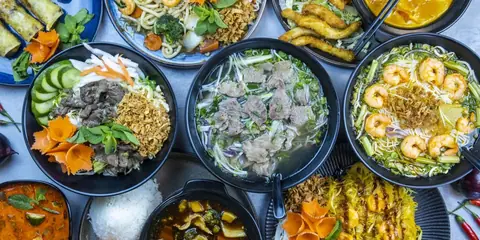

More than a PDF on a QR code
A real page that loads fast on any phone, made from your menu.
Menu with prices
Sections, dishes, prices and short descriptions, easy to read on a phone.
Your QR code
Download a QR code for tables, the counter or the window. It never changes.
Update any time
Change a price or sell out a dish from your phone. No reprinting.
Opening hours and map
Hours for each day, your address and directions in one tap.
Table booking
Guests send date, time and party size; requests land in your inbox.
Visits
See how many people open your menu and what they tap.
Menu templates
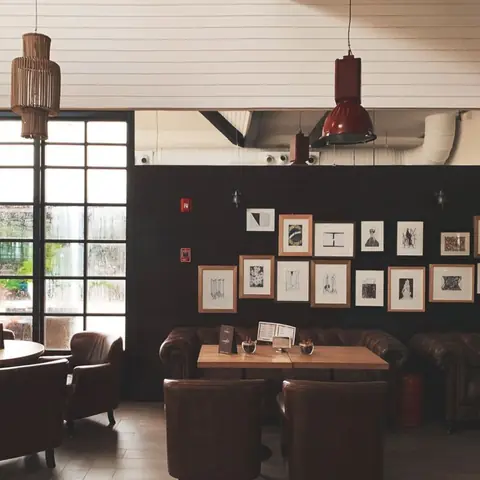
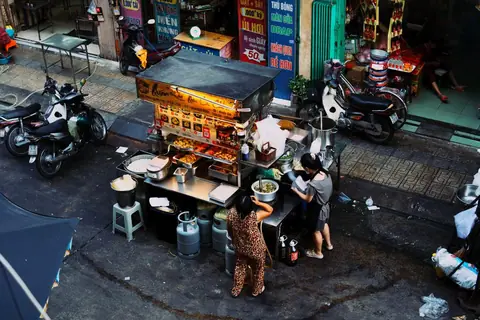
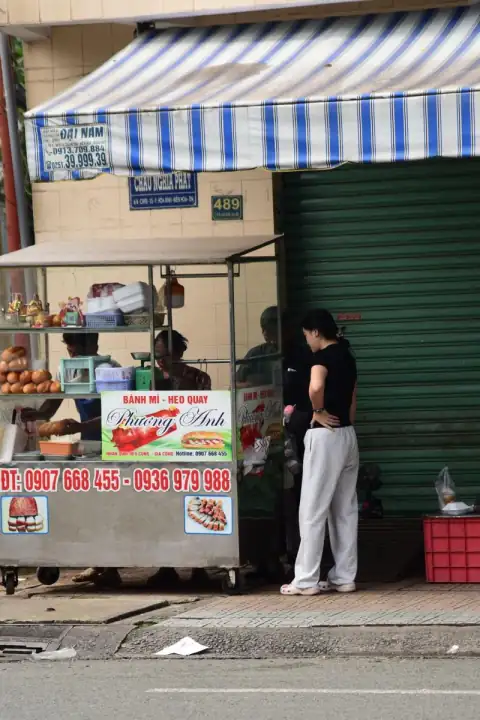
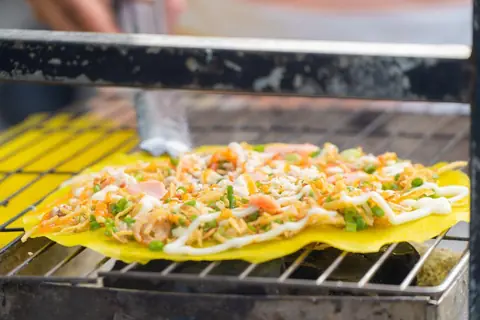
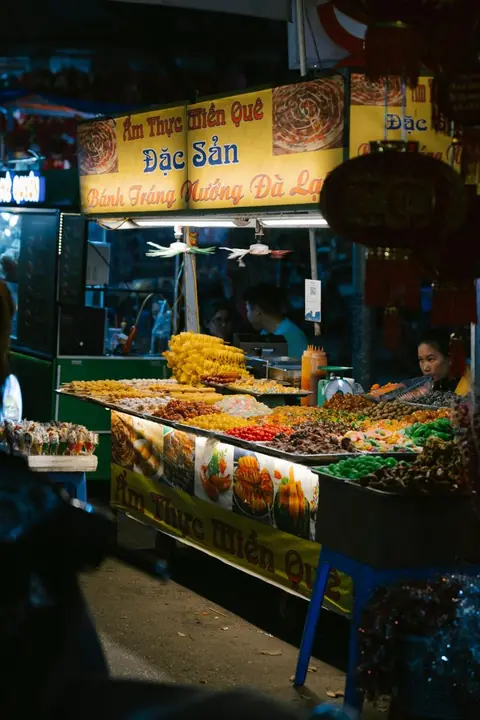
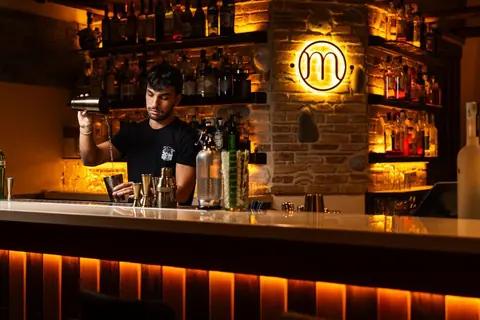
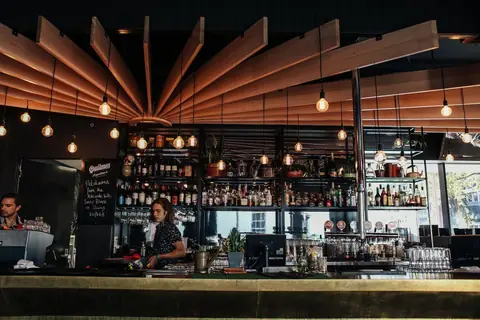
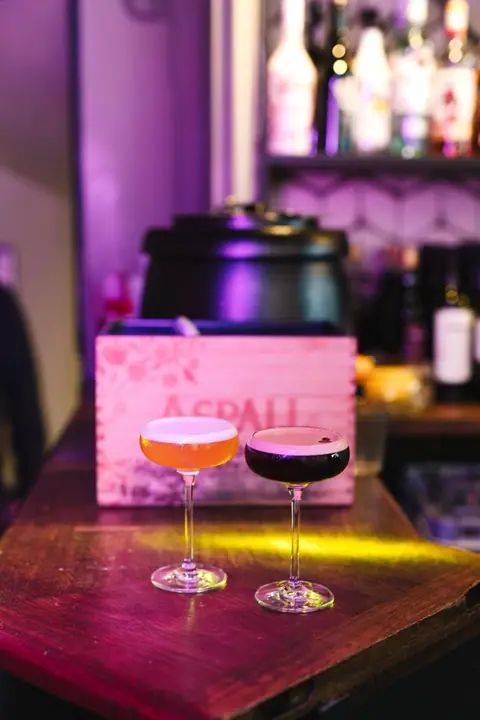
For restaurants, cafés, street food and bars. Each comes with a sample menu.


From paper menu to QR in three steps
- 01
Pick a menu template
Choose your address, like perlink.to/your-restaurant, and a template.
- 02
Add your dishes
Type in your sections, dishes and prices, and add photos.
- 03
Print the QR code
Download it from the dashboard and put it on every table.
Questions
Is it free?
Yes. The free plan includes one site with the menu, QR code, opening hours, map and booking form.
Do guests need an app?
No. They scan the QR code with their camera and the menu opens in the browser.
Do I need to reprint the QR code when prices change?
No. The QR code points to your page, so it stays the same when you edit the menu.
Can I show the menu in English and Vietnamese?
Yes. Write it in the language your guests read; you can add both names for each dish.
Can I take bank payments?
You can add a VietQR bank-transfer code to the page for deposits or payments.